HP "Scan to Computer Is No Longer Activated": How to Turn It Back On
The message means the HP software on your PC is not accepting scans started from the printer. Re-enable Scan to Computer in HP Printer Assistant, or scan from HP Smart instead.
Practical, tested walkthroughs for printer setup, drivers and error-code fixes — updated for the latest models and operating systems.
The message means the HP software on your PC is not accepting scans started from the printer. Re-enable Scan to Computer in HP Printer Assistant, or scan from HP Smart instead.
HP printers reject cartridges for two very different reasons: a genuine contact or chip fault, or Dynamic Security deliberately blocking non-HP chips. The fixes are not the same.
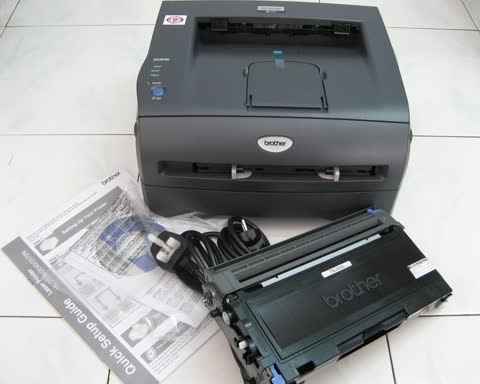
Brother lasers estimate toner mechanically, so a refilled cartridge still reports empty. Resetting the counter is a panel sequence or a physical gear, depending on the model.
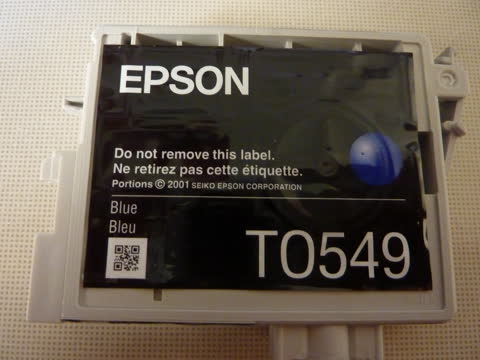
The ink pad message is a waste-ink counter, not a fault. Some Epson models have a user-replaceable maintenance box; others need a service reset, and third-party tools carry real risks.
Pantum printers are cheap and capable but the Wi-Fi setup is less forgiving than the big brands. Use the app or the USB configuration tool, and fix the address once.
An independent map of HP printer support: official regional driver links, what HP Smart and HP Easy Start each do, first-time Wi-Fi setup, common error codes, and how HP+ and Dynamic Security affect ink.
An independent guide to Canon printer support: the real setup portal, which Canon app matches your printer type, regional driver links, model family names decoded, and the support codes owners hit most.
An independent guide to Epson printer support: regional driver links, what Smart Panel, ScanSmart and Epson Connect each do, EcoTank setup, and the error codes and ink pad limits owners hit most.
An independent guide to Brother printer support: regional support.brother.com links, which Brother app is current, deep sleep and offline behavior, toner and drum resets, and the machine error codes decoded.
An independent guide to Lexmark printer support after the Xerox acquisition: where drivers live now, the renamed Lexmark Print app, first-time setup, error codes and what owners should expect next.
An independent guide to Xerox printer support: where the regional driver pages are, what Smart Start and the Global Print Driver each do, Easy Assist setup, and the fault codes that matter.
Dell exited the printer business around 2020. This independent guide covers where Dell drivers still live, what actually works on Windows 11, toner sourcing, and how to decide between keeping and replacing.